Account Opening
Stock
Account Opening
Stock
Account Opening
Stock
Account Opening
Stock
Master > Account Opening
Stock
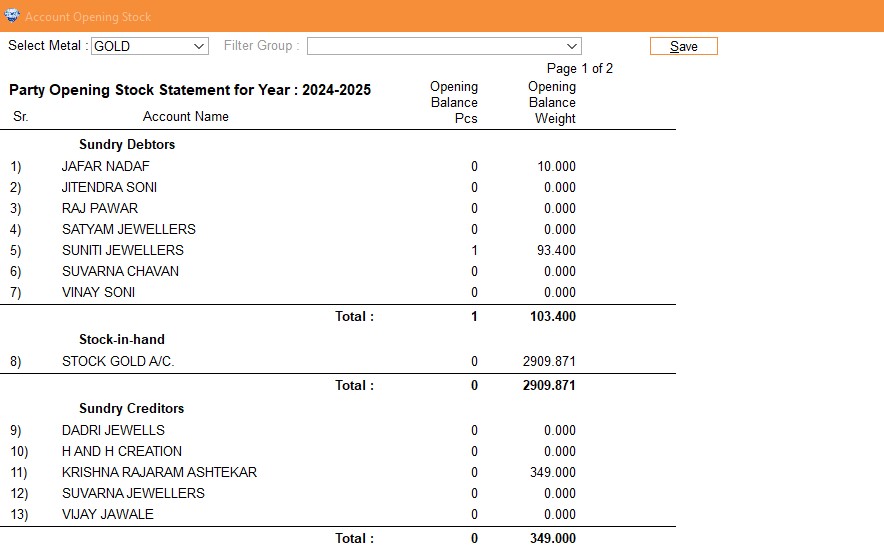
This screen will show you the opening balances in weight of the customers, suppliers, artisan's etc. which is carry forwarded from the last year after book close process. If you need to change any accounts opening balance then you have to follow below steps :
- Navigate to 'Master' and select 'Account Opening Stock'.
- Choose the relevant metal type (e.g., Gold, Silver, Fixed Price Item) or apply a filter by Account Group (e.g., Sundry Creditors, Sundry Debtors).
- Enter the opening stock details for the selected account.
- Click 'Save' to finalize and store the opening balances.
By following this process, you ensure that your accounts are initialized with precise balances, organized either by metal type or account group, for accurate financial tracking.